Desktop app · GUI
PhotoCraft PSD tutorial: edit an adjustment layer and save your work
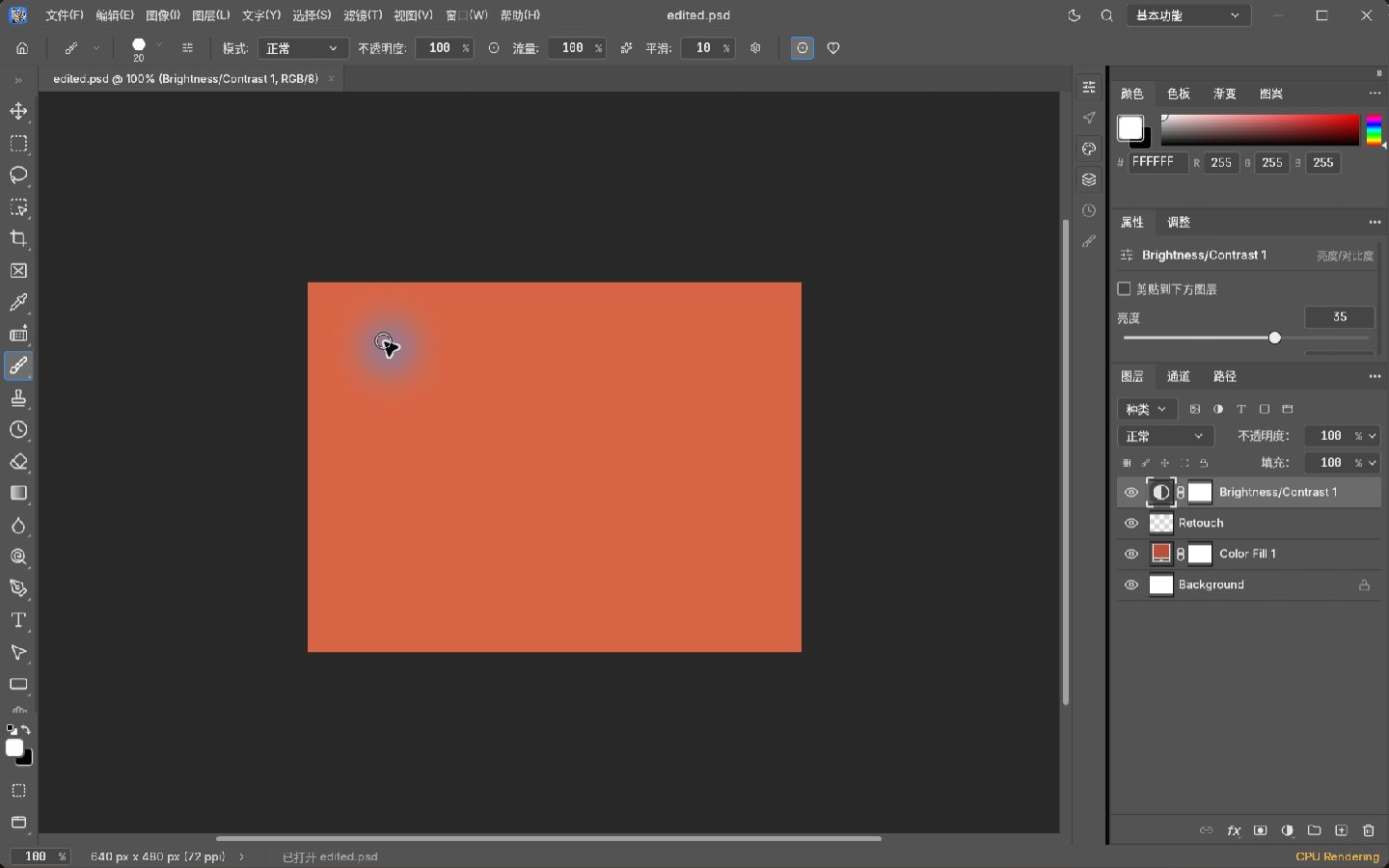
Change Brightness from 20 to 35, then reopen the PSD with all four layer entries intact.
Follow the tutorialPhotoCraft practice desk
PhotoCraft tutorials with sample PSDs, the settings we used, and results you can compare. Choose desktop steps or a command-line exercise.
New to PhotoCraft? Start with the desktop brightness tutorial. Get the app first if you need it.
6 tutorials
Desktop app · GUI
Change Brightness from 20 to 35, then reopen the PSD with all four layer entries intact.
Follow the tutorialDesktop app · GUI
Export the same PSD to a transparent PNG and a white-background JPEG, then compare their pixels.
Follow the tutorialDesktop app · GUI
Hide the outer part of a layer, save its mask, then switch the mask off to recover the original pixels.
Follow the tutorialDesktop app · GUI
Compare a half-opacity layer with a restored 100% version, then reopen the saved PSD and check its PNG.
Follow the tutorialDesktop app · GUI
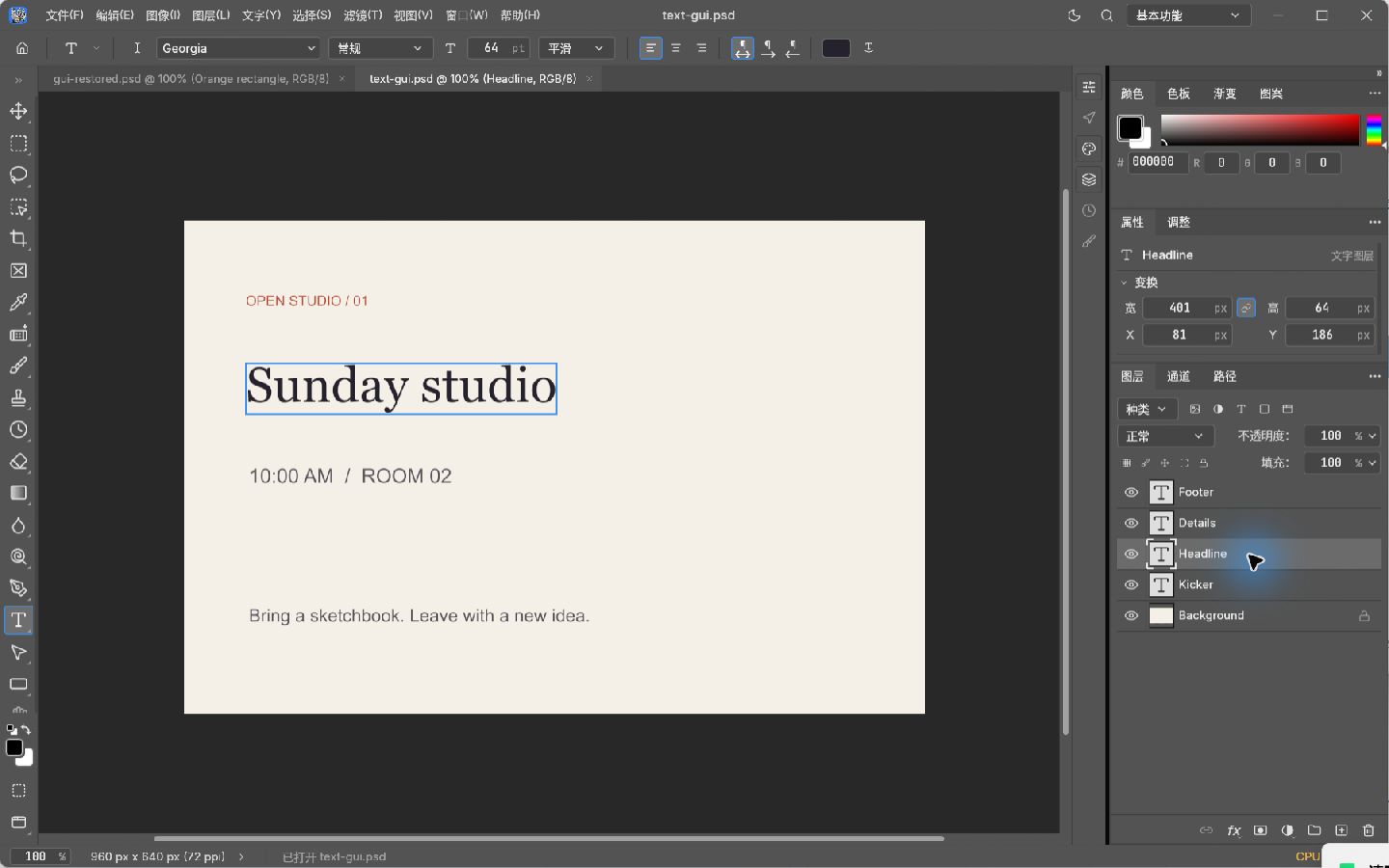
Replace the poster headline, change its font and reopen the PSD with the text still editable.
Follow the tutorialCommand line · CLI
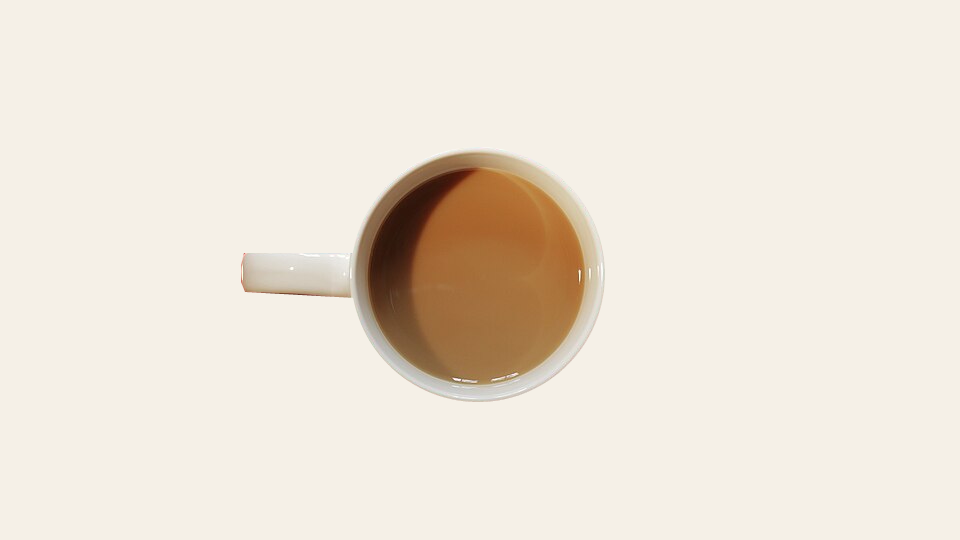
Remove the red table and shadow from a real coffee photo, keep an editable mask and export a transparent PNG.
Follow the tutorialTry PSD, PNG, mask or brightness, or show all methods.
Keep an untouched copy and compare it with a reference before you edit.